Plan your journey
Book ahead and save up to 45%* on LNER train tickets
Cheers to cheap tickets

45%* more cash in your pocket when you book your train tickets at least 4 weeks in advance. Find out how to save even more on your train tickets.
Industrial action
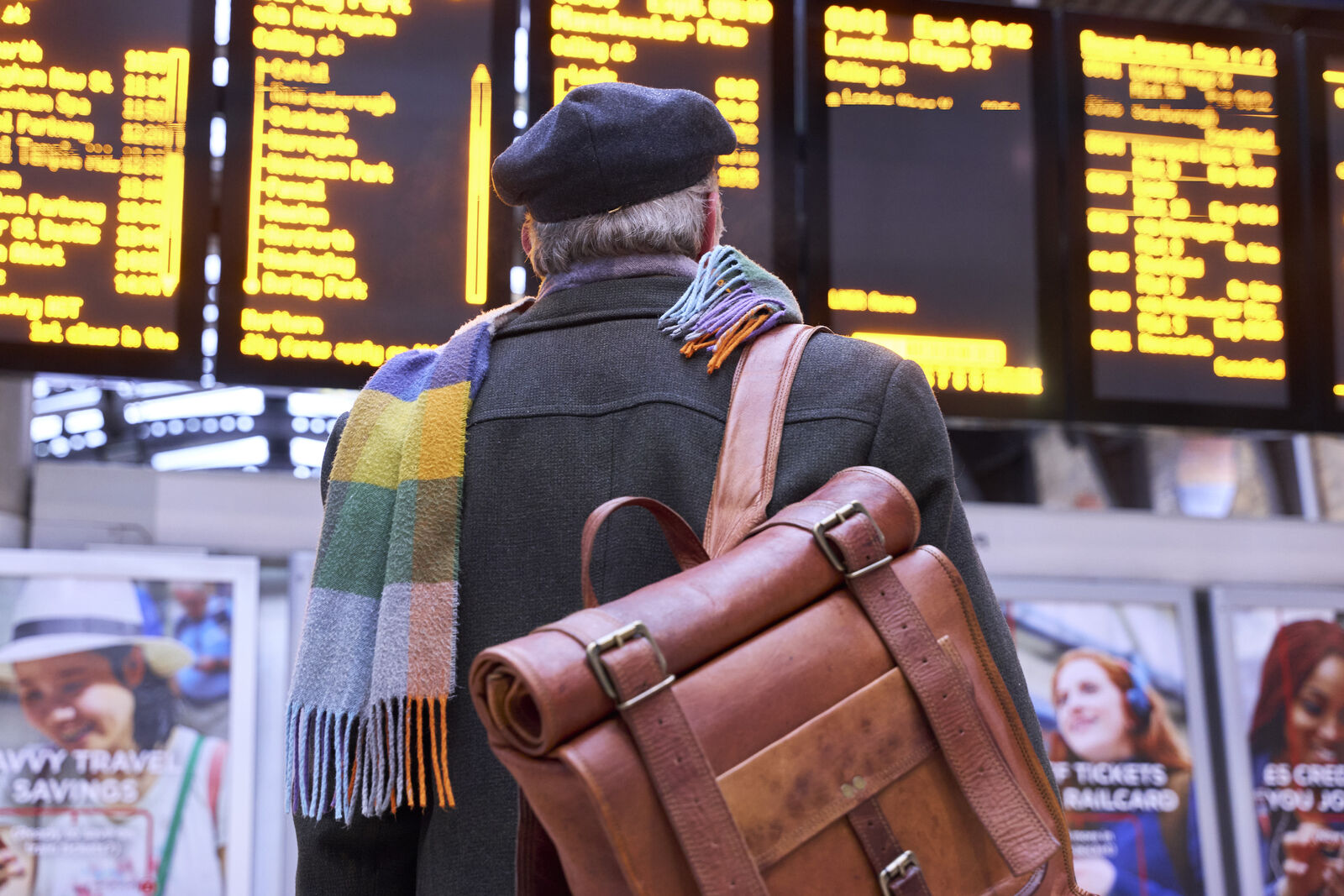
Industrial action is taking place at LNER on Thursday 9 May 2024. Trains are off sale for this date.
£5 free and 2% back with LNER Perks

Download our mobile app and meet our loyalty scheme. Earn 2% credit with every LNER Advance ticket, plus get £5 free when you join.
Save 1/3 with a Railcard

Save money on your train ticket with a Railcard. You can save you up to 1/3 off the ticket price for Standard and First Class tickets. With five cards to choose from there's savings to made for everyone!
Meet Eleanor!
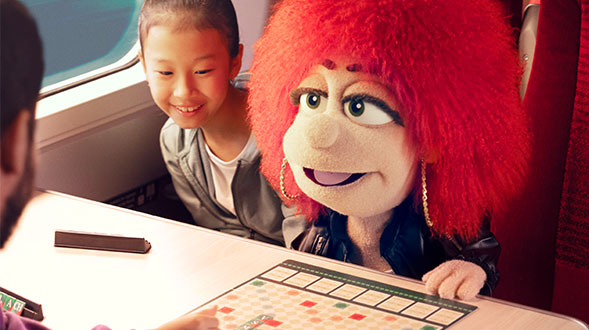
Have you seen our new TV ad? Watch it to find out about the freedom of travelling with LNER.
Looking after your mental health
Check out the amazing ways we're supporting CALM, the Campaign Against Living Miserably.
Travel extras for you
Car parking for your journey
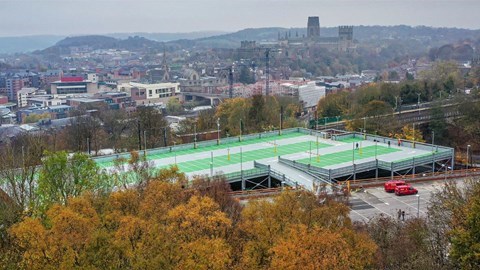
We're here to get you from A to B and back again. Make your journey even easier when you park at the station.
Upgrade to First Class
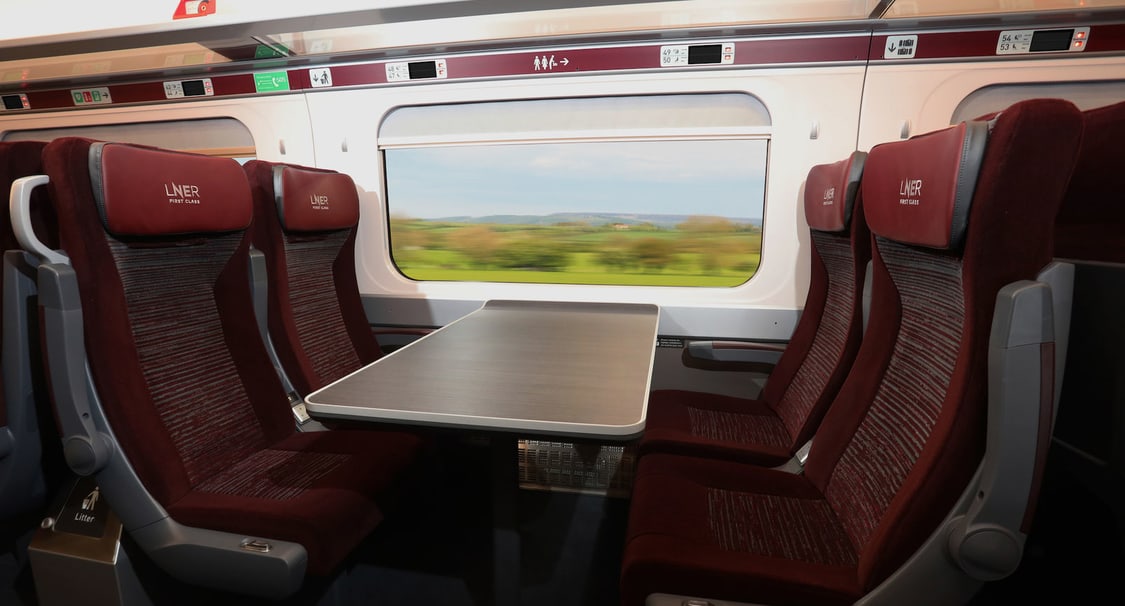
We've teamed up with Seat Frog so that you can upgrade your journey to First Class and experience luxury travel with complimentary food and drink, cheers to that!
Food and drink onboard
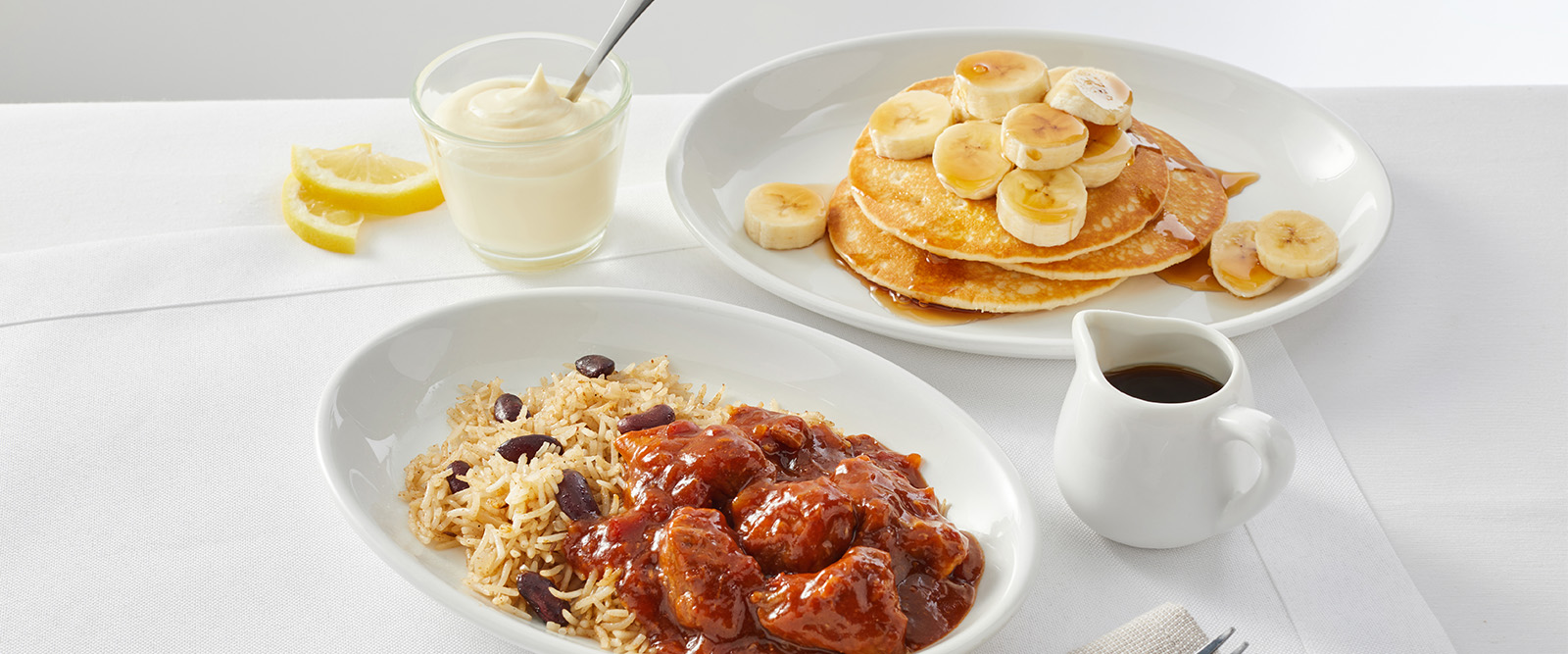
No need to buy food before you get onboard. You can order food and drinks straight to your seat in Standard. Travelling in First Class? We'll serve you our complimentary food and drink menu to your seat.
Enterprise Car Club
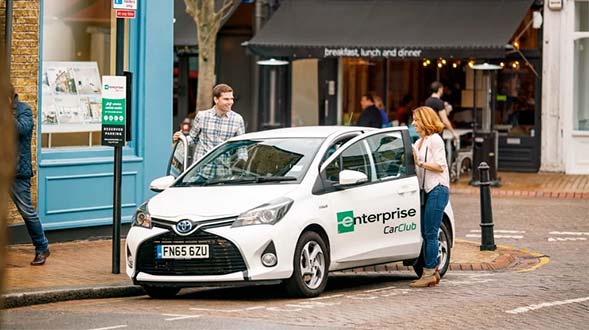
Get off your train and into a car in minutes with Enterprise Car Club. With Enterprise Car Club hubs in some of our stations, getting to your final destination is easy.
Get the best experience with the LNER app
From finding you the best deal to live updates on your journey.


Why choose LNER?
Choose your favourite seat
When you book direct you can take control of your journey and bag the best spot onboard. Sit back for a comfortable ride.
Book together, save 20%
If you’re travelling in a group of 3-9 people, you can save 20% off LNER Advance tickets.
Delay repay made easier
"Amazing that you make the process for a refund due to a delay so easy. One click and it is done. Always use LNER and its app and I will continue to do so." LNER customer feedback November 2021